






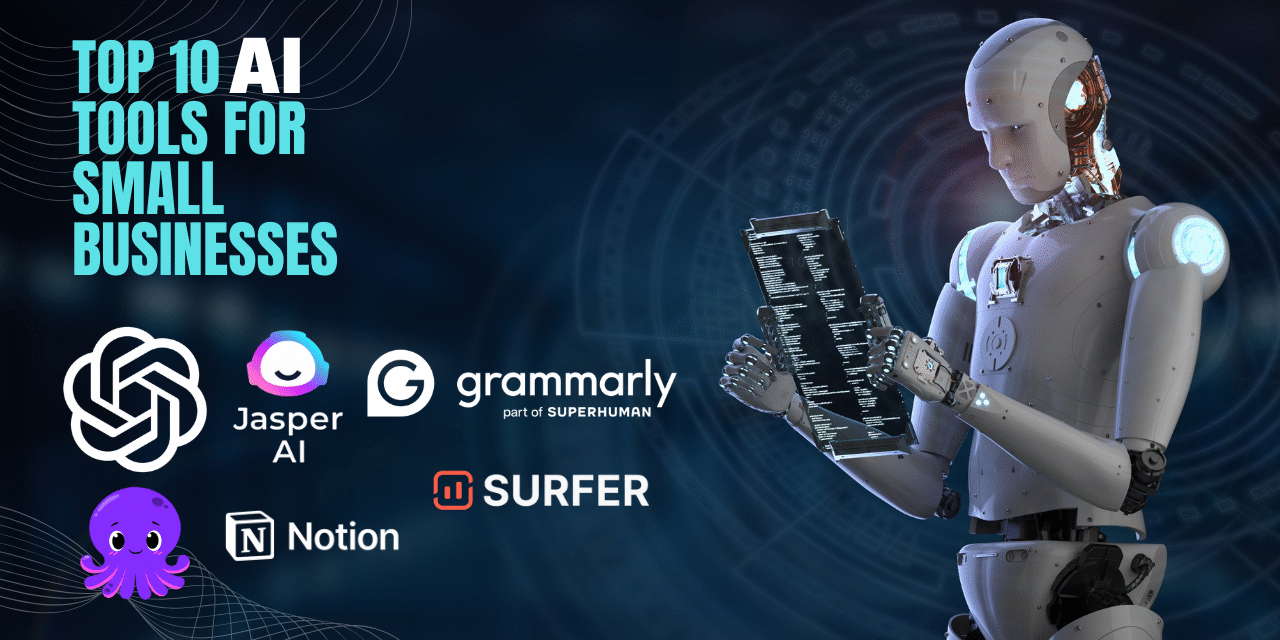
10 Best AI Tools for Small Businesses
Introduction: Let’s Talk AI Your New Best Friend in Business
Managing a small business can be like juggling burning torches on a unicycle while spinning plates. Does that sound familiar? AI is poised to become your favorite team member if you’re juggling marketing, customer service, content production, bookkeeping, and maintaining your sanity.
AI is no longer merely a catchphrase. It’s a really handy, economical, and practical tool for business owners. These AI solutions can help you save time, save expenses, and even scale your business, whether you’re managing a small staff or a one-person operation.
Are you prepared to work less, not more? Now let’s explore the top ten AI tools that small business owners will use in 2025.
I have covered many topics on the tech niche and here is one of them is here→ how to add an AdSense account to a website.
For your complete guidence to add your site to AdSense for a passive income.
AI Tools comparison Table
| AI Tool | Best For | Free Plan | Ease of Use | Ideal Business Type |
|---|---|---|---|---|
| ChatGPT | Content, ideas, emails | Yes | ⭐⭐⭐⭐☆ | All small businesses |
| Grammarly | Grammar & writing polish | Yes | ⭐⭐⭐⭐⭐ | Content & email-heavy businesses |
| Jasper | Marketing copy | No | ⭐⭐⭐⭐☆ | Marketing & agencies |
| Pictory | Video creation | No | ⭐⭐⭐⭐☆ | Content creators & marketers |
| Notion AI | Notes & productivity | Limited | ⭐⭐⭐⭐☆ | Teams & startups |
| Copy.ai | Short-form copy | Yes | ⭐⭐⭐⭐☆ | Bloggers & ecommerce |
| Surfer SEO | SEO optimization | No | ⭐⭐⭐☆☆ | Bloggers & SEO teams |
| Zapier AI | Automation | Yes | ⭐⭐⭐⭐☆ | Operations-focused businesses |
| Beautiful.ai | Presentations | No | ⭐⭐⭐⭐⭐ | Sales & corporate users |
| QuickBooks Online | Accounting & finance | Trial | ⭐⭐⭐⭐☆ | Finance & retail businesses |
10 Best AI Tools for Small Businesses
ChatGPT by OpenAI
Need help writing emails, answering customer questions, or brainstorming blog ideas? ChatGPT is like having a super-smart assistant who never sleeps. Just ask it anything—from drafting product descriptions to summarizing long reports—and it delivers, instantly.
Use it for:
- Customer support automation
- Generating content
- Brainstorming ideas
Pros
-
Extremely versatile (content, emails, ideas, FAQs)
-
Free version available
-
Saves hours of manual work
Cons
-
Needs good prompts for best results
-
Output may need fact-checking

Jasper AI
Struggling to write catchy marketing copy? Jasper AI is your creative sidekick. It’s built to craft high-converting ad copy, emails, blog posts, and even product listings in minutes. Just feed it a few keywords, and it does the rest.
Perfect for:
- Facebook/Google ads
- Website copy
- Email marketing
Pros
-
Designed for marketing copy
-
Strong brand tone control
-
High-quality ad copy output
Cons
-
No free plan
-
Can feel expensive for small startups

Grammarly
Nothing kills your brand’s vibe faster than sloppy writing. Grammarly’s AI keeps your text crisp, clear, and on-point. Grammarly checks grammar, spelling, tone, and even suggests better word choices. It works inside your email, docs, and browser—super convenient.
Great for:
- Polishing emails
- Writing professional content
- Keeping your communication mistake-free
Pros
-
Improves grammar, clarity, and tone
-
Works across browsers and apps
-
Easy to use for beginners
Cons
-
Advanced suggestions require paid plan
-
Not ideal for creative writing alone

Pictory
Want to turn your blogs into scroll-stopping videos? Meet Pictory. Paste your blog link or script, and Pictory transforms it into a short, engaging video—complete with visuals and voiceovers. No editing skills required!
Ideal for:
- Social media marketing
- Repurposing blog content
- YouTube Shorts or Reels
Pros
-
Turns text into videos quickly
-
No video editing skills required
-
Good for social media marketing
Cons
-
Paid-only tool
-
Limited customization for advanced users

Notion AI
Notion AI is your all-in-one digital workspace that also thinks with you. It can summarize meeting notes, create action items, and even help plan your next product launch. It blends writing, planning, and organization—powered by smart suggestions from AI.
Best for:
- Organizing workflows
- Project planning
- Team collaboration
Pros
-
Excellent for notes, planning, and teamwork
-
AI summaries and task generation
-
All-in-one workspace
Cons
-
Learning curve for new users
-
AI features require paid plan

Copy.ai
Need fast, fun copy that doesn’t sound robotic? Copy.ai creates social media captions, product descriptions, emails, and more in your brand voice. It’s a go-to for entrepreneurs who don’t want to stare at a blank page ever again.
Use it for:
- Instagram posts
- Sales emails
- Product names and slogans
Pros
-
Fast short-form content creation
-
Free plan available
-
Easy interface
Cons
-
Long-form content needs editing
-
Limited SEO depth

Surfer SEO
Want your blogs to show up on Google’s first page? Surfer SEO is like an SEO coach that guides your content in real time. It tells you what keywords to use, how long your post should be, and even shows you what competitors are doing.
Perfect for:
- Blogging
- Content marketing
- Ranking higher in search engines
Pros
-
Strong SEO data and keyword insights
-
Helps rank content on Google
-
Ideal for content optimization
Cons
-
Expensive for beginners
-
Not useful without SEO knowledge

Zapier + AI integrations
Ever wish your apps could talk to each other? Zapier makes it happen—now with AI.Connect tools like Gmail, Slack, Shopify, and more. Set up “Zaps” to automate tasks like sending welcome emails or adding leads to your CRM.
Great for:
- Workflow automation
- Saving hours of repetitive work
- Creating smart workflows
Pros
-
Automates repetitive business tasks
-
Connects thousands of apps
-
No coding required
Cons
-
Complex workflows take time to set up
-
Premium plans needed for heavy usage

Beautiful.ai
If making presentations is your nightmare, Beautiful.ai is the dream. It helps you create sleek, professional-looking slides without needing a design degree. The AI suggests layouts, colors, and even icons that match your message.
Use it for:
- Client proposals
- Internal reports
- Pitch decks
Pros
-
Creates professional presentations fast
-
Smart design automation
-
Perfect for pitches and reports
Cons
-
Limited creative control
-
No strong free plan

QuickBooks Online + AI
Tired of staring at spreadsheets? QuickBooks now has smart AI features to help categorize transactions, spot trends, and even predict cash flow. It’s like having a virtual bookkeeper without the high costs.
Awesome for:
- Small business accounting
- Expense tracking
- Smart financial reporting
Pros
-
Automates accounting tasks
-
Accurate expense tracking
-
Trusted by businesses worldwide
Cons
-
Monthly subscription cost
-
Not beginner-friendly without accounting basics

Why These AI Tools are Total Game-Changers
Let’s be honest you didn’t start a business to spend all day writing emails or doing data entry. These AI tools handle the boring stuff so you can focus on what you love.
They help you:
- Work faster (hello, productivity boost!)
- Cut down costs (no need to hire extra staff)
- Look super professional (even if you’re a one-person show)
How to Start Using AI Without Getting Overwhelmed
- Pick one tool that solves your biggest current pain point
- Try the free trial (most of these offer one!)
- Watch a quick tutorial on YouTube or their help center
- Use it for a week and evaluate the impact
- Scale slowly—once you get the hang of it, add another.
For your ease you can access all of these tools in one platform, Click Here
Conclusion
If you’re running a small business in 2025 without tapping into AI, you’re leaving money and time on the table.These tools aren’t just fancy software; they’re your behind the-scenes support team. They write, automate, organize, and analyze so you don’t have to.
So what’s stopping you? Try one today, and watch your business get a whole lot smarter.
FAQs
Q1: Are AI tools affordable for small businesses?
Yes — many offer free tiers or trials, and ROI often outweighs costs when they save time.
Q2: Can AI replace employees?
AI complements employees by handling repetitive tasks; it doesn’t replace human decision-making.
Q3: Are these tools safe for business data?
Most reputable tools follow industry data security practices, but always review their privacy policies.
Please don’t forget to leave a review.











Trackbacks/Pingbacks